All-in-One Online Document & PDF Processing Engine
Merge, compress, split, convert, crop and compare documents, images and media files. No registration, no paywalls, and most tools run in your browser, so your files never leave your device.
85 Tools
Document, Image & Media74 On-Device
Tools that never upload filesNo Sign-up
Use every tool without an accountNo Watermarks
On any downloaded fileFeatured Tools & Engines
Pick a tool to get started. Most of them process your files right in your browser.
How DocsEngine Works
Three steps, nothing to install.
01
Upload or Enter URL
Drag and drop a PDF, Office document, image or media file, or paste a web address for URL to PDF.
02
Adjust Parameters
Choose options such as page ranges, image quality, output format or crop area. Defaults work for most files.
03
Download the Result
Most tools never upload your files. Server tools delete your file as soon as processing ends and the result right after you download it (or after 10 minutes).
In-Browser Tools vs. Server Tools
74 of the 85 tools run entirely in your browser. The other 11 need our server; each tool page says which kind it is.
| Question | In-browser tools | Server tools |
|---|---|---|
| Number of tools | 74 tools | 11 tools |
| Where your file is processed | In your browser, on your own device | On our server, sent over an encrypted HTTPS connection |
| Is the file uploaded? | No | Yes, only while it is processed |
| When the file is deleted | Nothing is stored by us; the file stays on your device | Your file: as soon as processing ends. The result: right after you download it, or after 10 minutes |
| File size limits | Depend on the tool and your device (for example up to 600 MB of PDFs per merge on a computer, 200 MB on a phone) | Up to 50 MB per file |
| Examples | Merge, split and compress PDF, PDF to Word, OCR, image, audio and video tools | URL to PDF, webpage screenshot, PDF/A, DOC, PPT, XLS and ODP conversions |
| Account and watermark | No account needed, no watermark | No account needed, no watermark |
Document Privacy Without Compromise
DocsEngine does not keep your files or use them to train AI models. Most tools never upload your files. Server tools delete your file as soon as processing ends and the result right after you download it (or after 10 minutes).
No upload wait: in-browser tools start working right away
On-device processing: most tools never upload your files
Encrypted transfers: server tools send files over HTTPS
Why Choose DocsEngine
Files Stay on Your Device
Most tools run in your browser, so the file is never uploaded
Deleted After Download
Server tools delete your file when processing ends and the result right after you download it (or after 10 minutes)
No Selling, No AI Training
We do not sell your documents or use them to train AI models
No Registration Required
Use every tool without creating an account
Featured Guides
Practical, step-by-step guides to compressing, converting, securing and editing PDFs and images, checked against how the tools actually work.
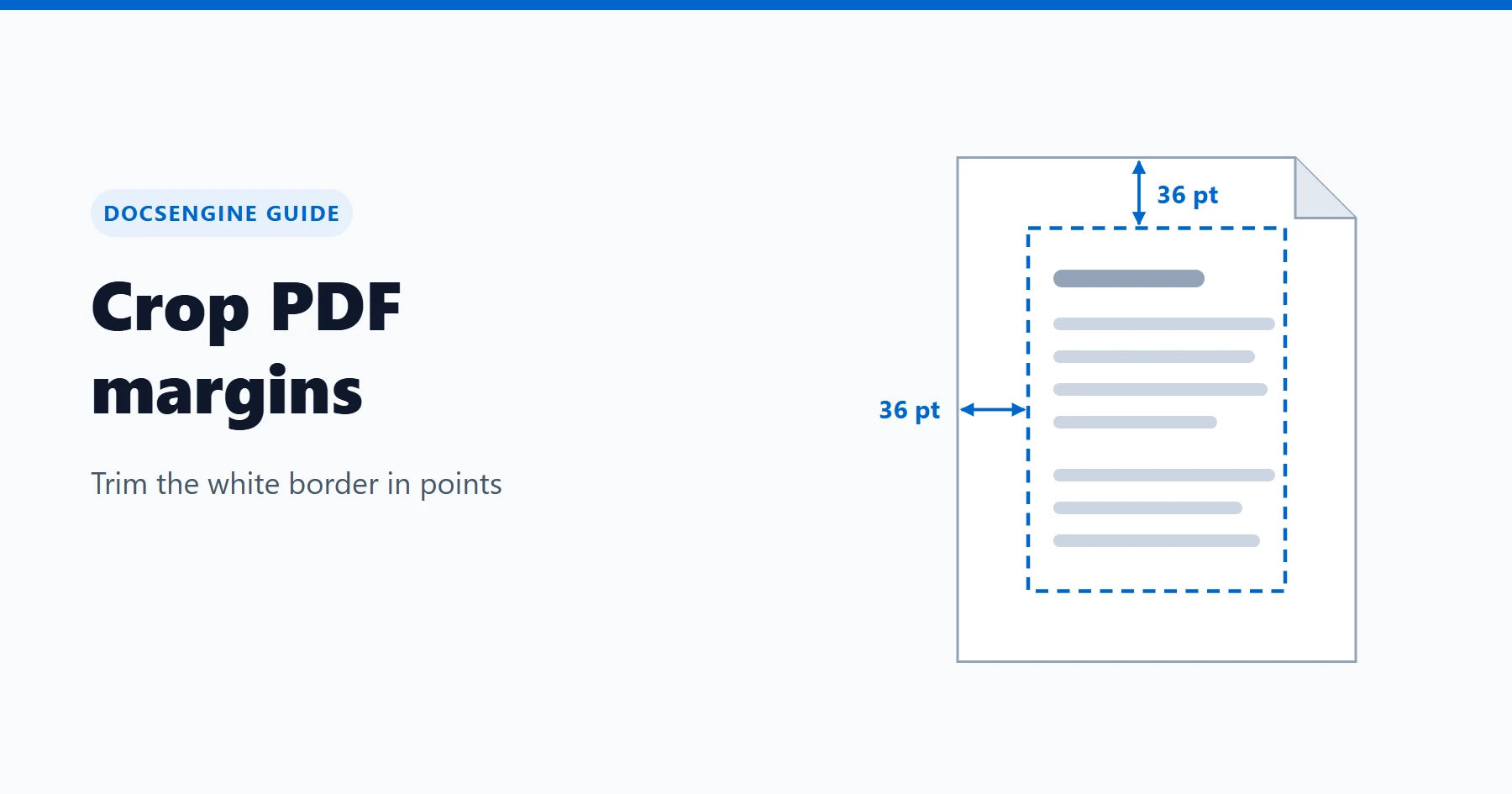
How to Crop PDF Margins (Trim White Borders in Points)
Crop the white border off every page of a PDF with exact margins in points, and learn why cropped content is hidden rather than deleted.
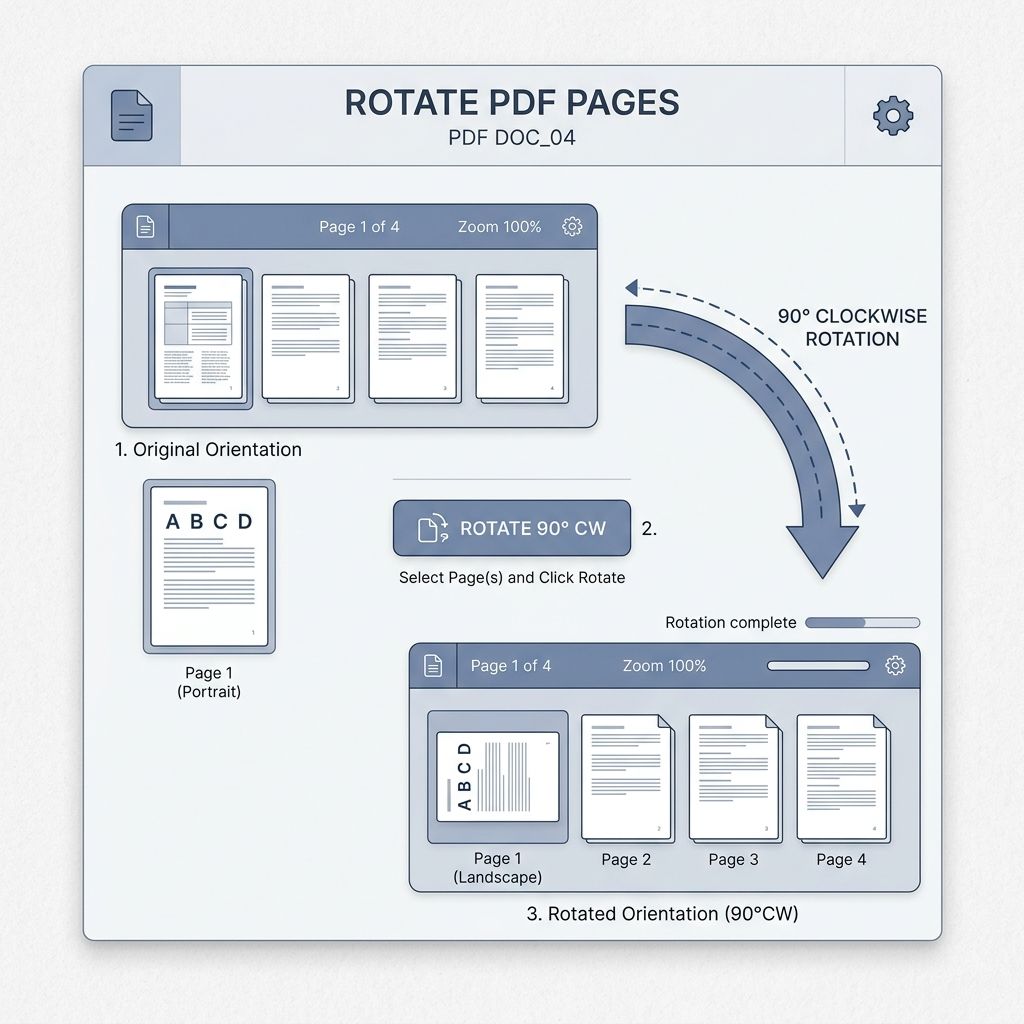
How to Rotate PDF Pages Permanently (Single Page or All Pages Online)
A viewer’s rotate button often changes only your screen. Here is how to save the rotation into the PDF itself, for every page or just the sideways ones.
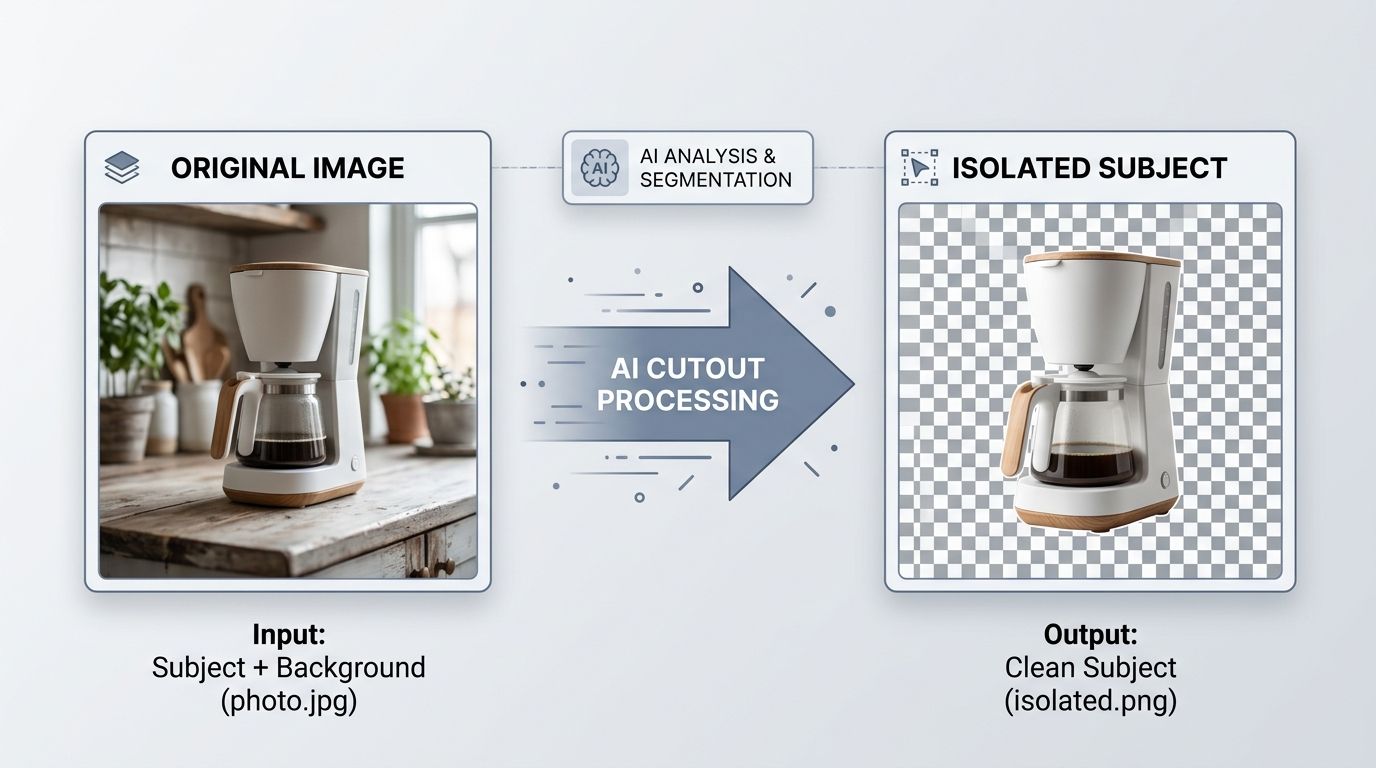
How to Remove the Background from an Image for Free (Transparent PNG)
Turn a product photo, portrait or logo into a transparent PNG cutout without uploading it. Here is how the on-device model works, which settings matter and where it struggles.
Got Questions? We Have Answers.
Short answers about privacy, limits and what the tools can do.
For most tools, no: merging, splitting, compressing, converting, OCR and the image and video tools run in your browser, so the file never leaves your device. A few tools need our server (URL to PDF, webpage screenshot, PDF/A conversion and validation, and DOC, PPT, XLS and ODP conversions). They upload over HTTPS, delete your file as soon as processing ends, and delete the result right after you download it, or after 10 minutes if you don't. We don't sell your documents or use them to train AI models.
Yes. PDF to Word rebuilds paragraphs, headings, tables and images as editable DOCX content. PDF to PowerPoint makes one slide per page, either as a picture of the page or with editable text boxes over the page background. Scanned PDFs have no text layer, so run OCR PDF on them first.
URL to PDF runs on our server: a headless Chromium browser opens the page, waits for web fonts to load, scrolls to load lazy images, and prints the page to PDF with its background colors. It works with public pages only, not pages behind a login.
Yes. In Crop Image you drag the crop box or any of its eight handles with a finger or mouse, lock a ratio such as 1:1, 4:5, 16:9 or 9:16, rotate in 90-degree steps and flip horizontally or vertically. The image is processed in your browser.
DocsEngine has 85 tools for PDF, Word (DOCX, DOC), Excel (XLSX, XLS, CSV), PowerPoint (PPTX, PPT, ODP), images (JPG, PNG, WebP, BMP, TIFF, GIF), audio and video (MP4, WebM, MOV, MKV, MP3, WAV, FLAC and more), data files (JSON, XML, CSV, TXT, Markdown, HTML) and archives (ZIP, 7Z, TAR).